

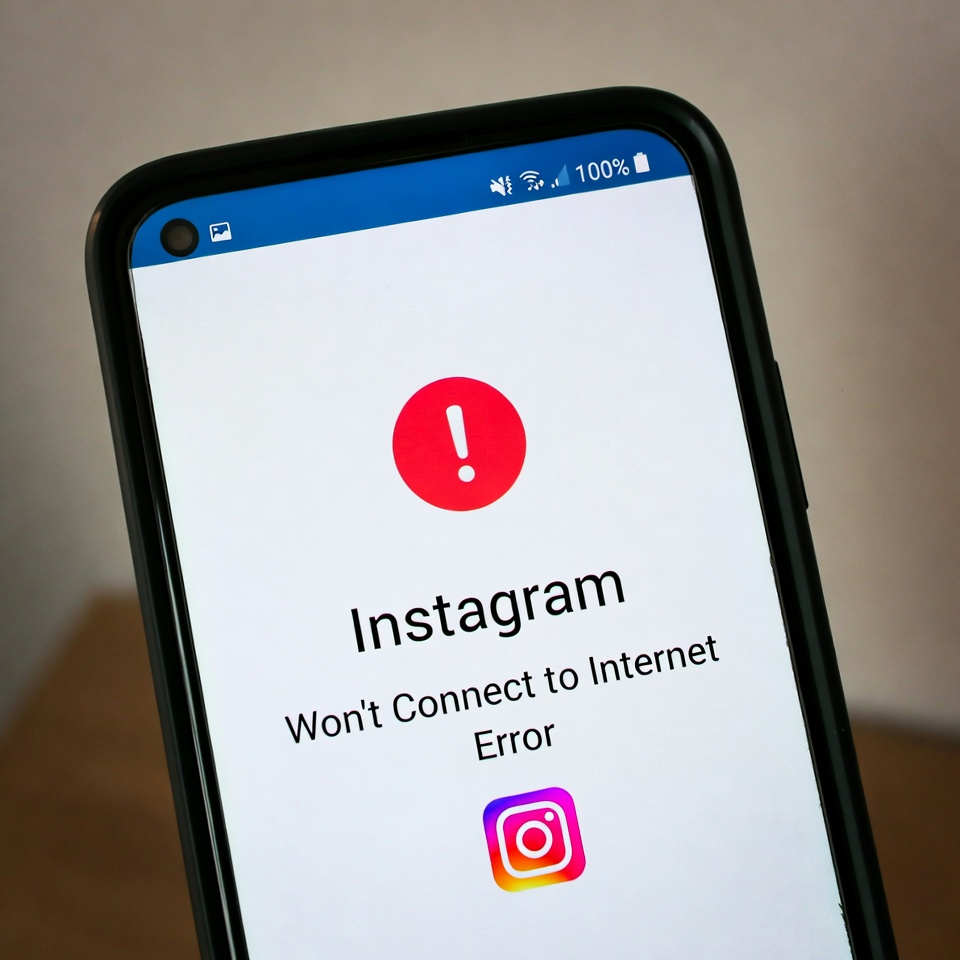
The “Instagram won’t connect to internet” error occurs when the app fails to load feed, stories, messages, or shows a no connection message despite having an active internet connection.
This issue is usually caused by unstable Wi-Fi or mobile data, VPN usage, DNS problems, background data restrictions, outdated app versions, or temporary Instagram server issues. In most cases, the problem is device or network related and can be fixed quickly.
> Instagram Explore Page Not Working
How to Fix Instagram Won’t Connect to Internet Error
1. Check Your Internet Connection
Make sure your Wi-Fi or mobile data is working properly by opening other apps or websites.
2. Turn Off VPN or Proxy
VPNs can block Instagram’s connection. Disable any VPN or proxy and try again.
3. Switch Networks
If you’re on Wi-Fi, switch to mobile data — or vice versa. This often resolves connection conflicts.
4. Enable Mobile Data for Instagram
On Android, go to Settings → Apps → Instagram → Mobile data and allow background and foreground data usage.
> Instagram Has Stopped Working
5. Restart Your Phone and Router
Restarting clears temporary network issues that may prevent Instagram from connecting.
6. Update the Instagram App
An outdated version can cause connection errors. Update Instagram to the latest version from the app store.
> Instagram Keeps Crashing on iPhone – Complete Fix Guide
7. Clear App Cache (Android Only)
Go to Settings → Apps → Instagram → Storage → Clear Cache, then reopen the app.
8. Check Instagram Server Status
If none of the steps work, the issue may be on Instagram’s side. Wait and try again later.


