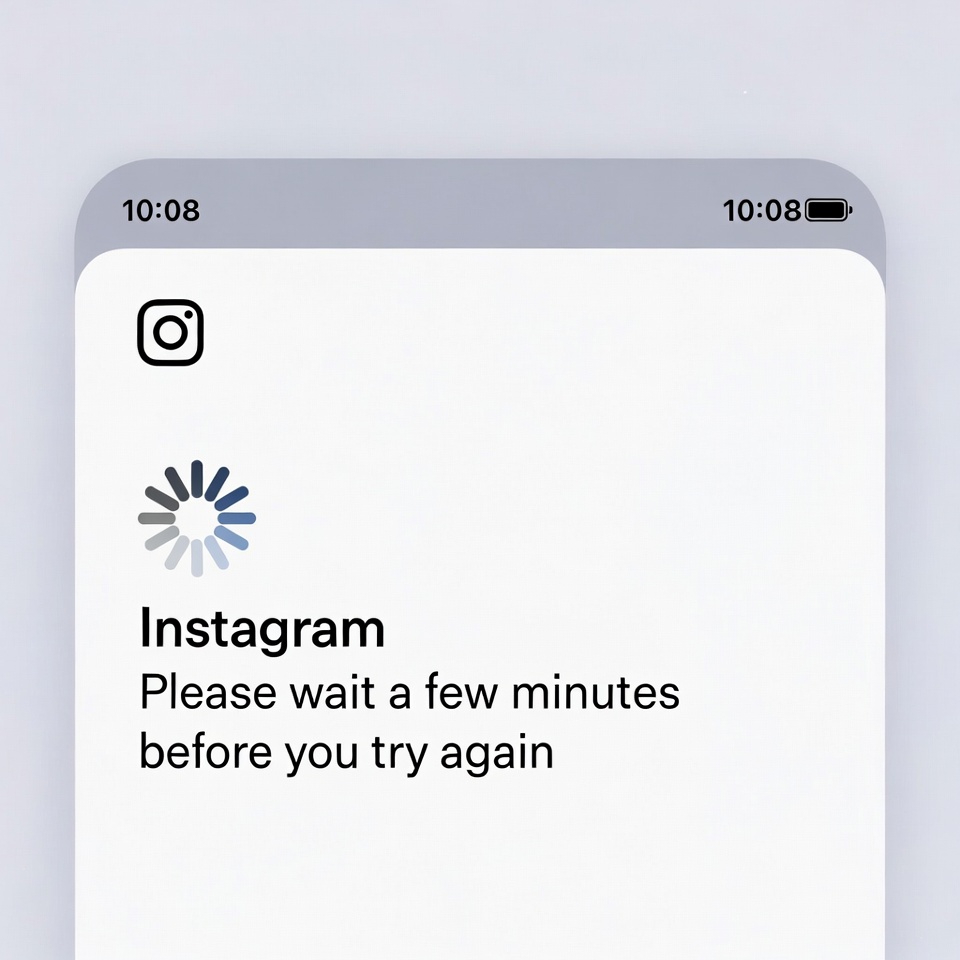
The “Please Wait a Few Minutes” error on Instagram usually appears when users try to log in, follow accounts, like posts, or send messages too frequently.
Instagram’s security system may temporarily block actions to prevent spam, unusual activity, or suspicious login behavior.
In most cases, this error is temporary and can be fixed with a few simple steps.
How to Fix Instagram “Please Wait a Few Minutes” Error
1. Stop All Activity and Wait
This error is often triggered by excessive actions in a short time.
What to do:
- Log out of Instagram
- Do not like, follow, or comment for 24–48 hours
- Avoid repeated login attempts
Patience alone fixes the issue in many cases.
2. Switch Your Internet Connection
Instagram may flag your IP address.
Try this:
- Switch from Wi-Fi to mobile data (or vice versa)
- Restart your router
- Disable any VPN or proxy services
3. Change Your Instagram Password
Changing your password can reset security restrictions.
Steps:
- Go to Forgot Password
- Set a new, strong password
- Log in again after a few minutes
4. Verify Your Account
Accounts without verification are more likely to be restricted.
Check:
- Confirm your email address
- Verify your phone number
- Enable two-factor authentication
5. Log In from a Different Device
Sometimes the block is device-related.
Solution:
- Try logging in from another phone or a desktop browser
- If successful, wait before returning to your main device
6. Avoid Third-Party Apps
Automation tools can trigger this error.
Fix:
- Remove any follower tools or bots
- Revoke access from Settings → Security → Apps and Websites
Final Thoughts
The Instagram “Please Wait a Few Minutes” error is usually a temporary security block, not a permanent ban.
Reducing activity, changing your password, and waiting patiently resolve the issue for most users.
If the message continues for several days, your account may be under extended review.