

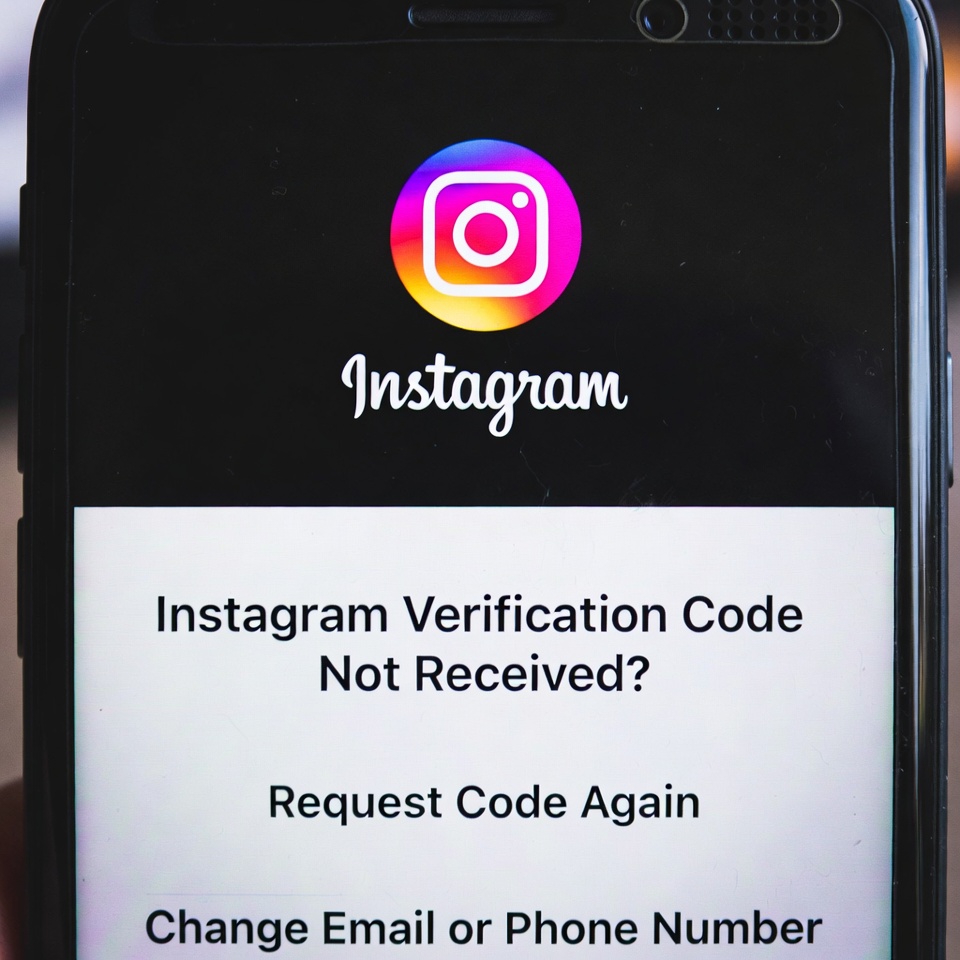
If you’re trying to log in to Instagram but the verification code never arrives, you’re not alone. The “Instagram verification code not received” issue is a common problem that affects both phone number and email verification.
This error usually occurs due to network issues, carrier delays, spam filters, repeated code requests, or temporary security restrictions on your account. In most cases, the code is not blocked permanently — it’s just delayed or restricted for a short time.
> Instagram Keeps Asking for Phone Verification
> Instagram DM Not Sending Messages
How to Fix Instagram Verification Code Not Received
1. Wait Before Requesting a New Code
If you requested the code multiple times, stop and wait 15–30 minutes. Repeated requests can temporarily block new codes from being sent.
2. Check Spam and Promotions Folders
For email verification, check your Spam, Promotions, or Updates folders. Instagram emails are often filtered automatically.
3. Use a Stable Network (No VPN)
Disable VPNs or proxies and switch to a trusted Wi-Fi or mobile network. Network changes can prevent verification messages from arriving.
4. Restart Your Phone
A simple restart can fix temporary carrier or system issues that block SMS delivery.
5. Verify the Phone Number or Email
Make sure your phone number includes the correct country code and your email address is spelled correctly.
6. Try Email Instead of SMS
If SMS codes are not arriving, tap “Try another way” and request the verification code via email.
7. Update the Instagram App
Outdated app versions may cause verification issues. Update Instagram to the latest version from the App Store or Google Play.
8. Contact Instagram Support
If no code arrives after several hours, use Instagram’s login help or account recovery option and wait for the verification system to reset.
> Instagram Won’t Let Me Log In – Login Error Fix


