

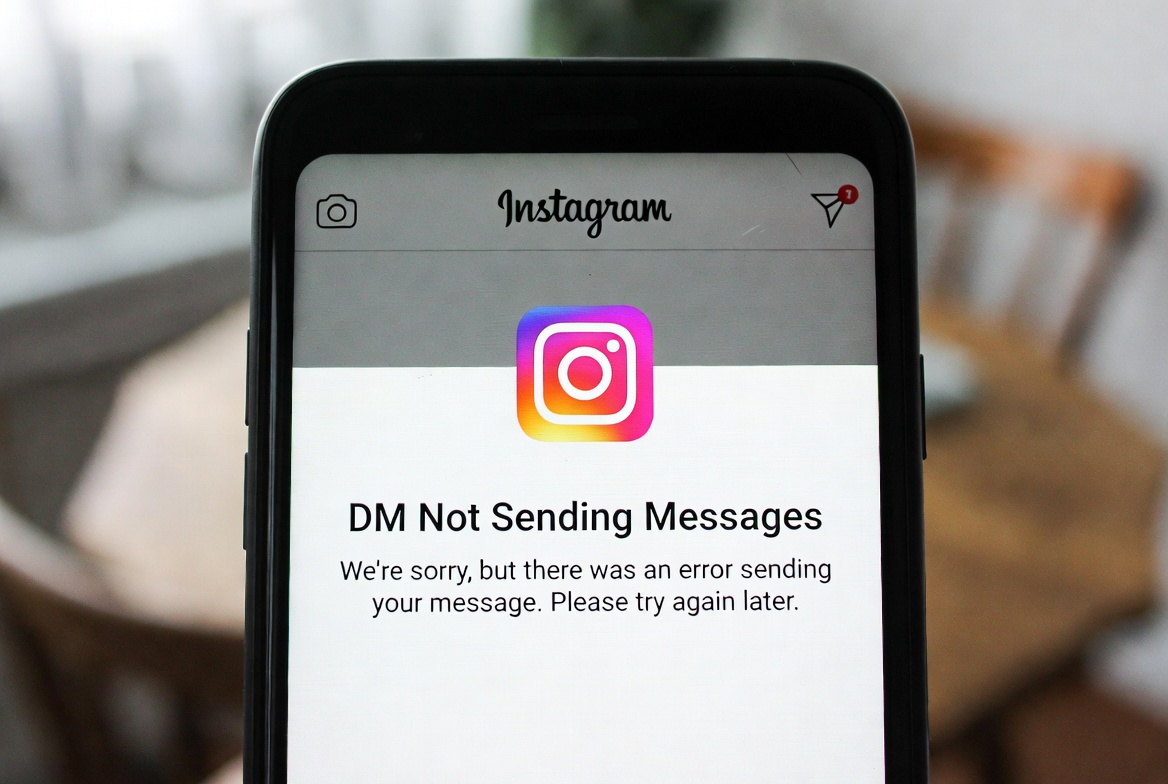
If your Instagram DMs are not sending messages, it can be frustrating—especially when messages stay stuck, fail to deliver, or show an error. This issue affects both Android and iPhone users and is usually related to connectivity, restrictions, or temporary Instagram limits.
Here’s a complete troubleshooting guide to fix it.
What the Error Looks Like
- Messages stuck on “Sending…”
- Messages fail to send without explanation
- “Message not sent” error
- DMs work with some users but not others
Why This Happens
Instagram DMs may not send because of:
- Poor or unstable internet connection
- Temporary action limits on your account
- You’ve been blocked or restricted by the other user
- Instagram server outages
- Outdated Instagram app version
- Corrupted app cache or session issues
How to Fix Instagram DM Not Sending Messages
1. Check Your Internet Connection
- Switch between Wi-Fi and mobile data
- Turn Airplane Mode ON for 10 seconds, then OFF
- Restart your router if needed
2. See If You’re Blocked or Restricted
If messages won’t send to one specific user:
- You may be blocked
- The user may have restricted DMs
- Their account could be deactivated
Try messaging another account to test.
3. Log Out and Log Back In
- Go to Instagram → Settings
- Log out
- Restart your phone
- Log back in
This refreshes your DM session.
4. Check Instagram Action Limits
Sending too many messages in a short time can trigger limits.
Fix:
- Stop sending DMs for 24–48 hours
- Avoid copy-paste or spam-like behavior
5. Update Instagram
Outdated versions often break DM features.
- Update Instagram from the App Store or Google Play Store
6. Clear Cache (Android Only)
- Settings → Apps → Instagram
- Storage → Clear Cache
- Reopen Instagram
7. Disable VPN or Proxy
VPNs can block Instagram messaging.
- Turn off VPN
- Reopen Instagram and test DMs again
8. Reinstall Instagram
If nothing works:
- Uninstall Instagram
- Restart your phone
- Reinstall and log in
Extra Tips
- Avoid sending links repeatedly
- Don’t send the same message to many users
- Check if Instagram DMs work on another device
- Monitor Instagram’s official status for outages
Final Thoughts
Instagram DM issues are usually temporary or limit-related, not permanent account problems. Most users regain messaging access within a few hours or after following the steps above.
If DMs still don’t work, waiting for Instagram’s systems to reset is often the final solution.


