

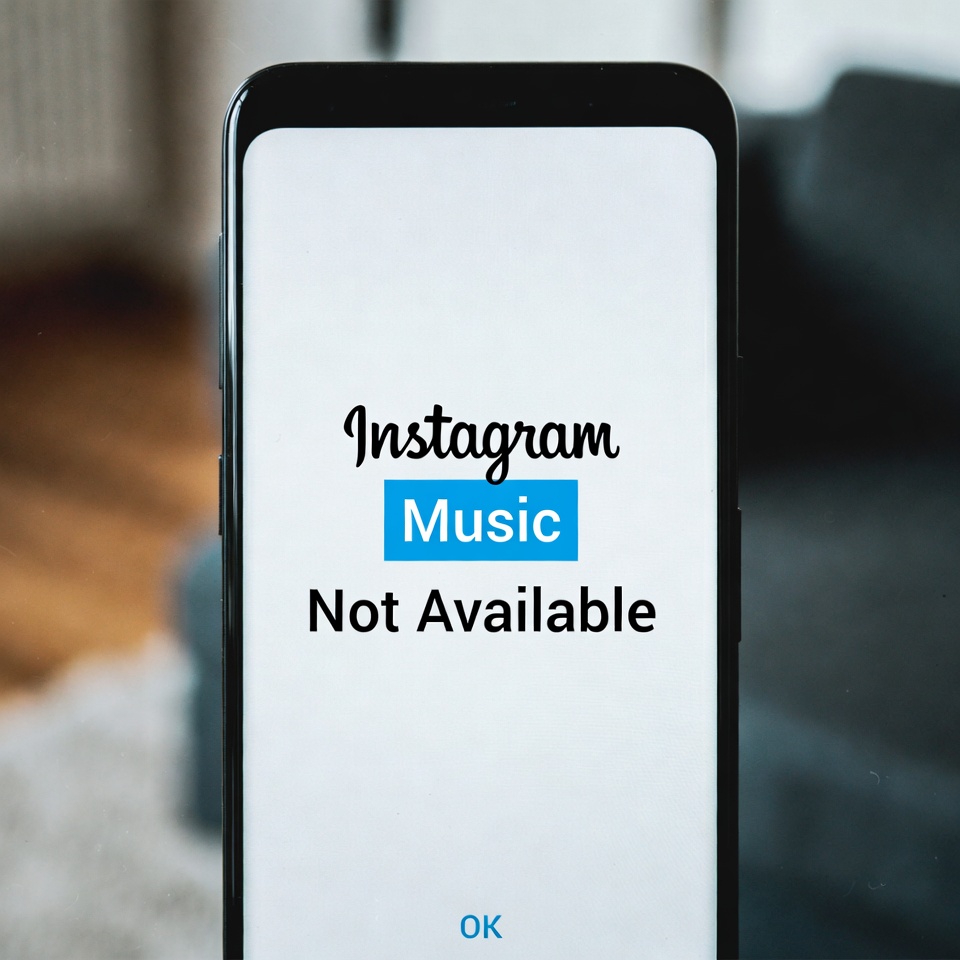
If you see the “Instagram Music Not Available” error, it usually means your account, region, app version, or usage type (personal vs business) does not currently support Instagram Music. The fixes below help resolve the issue in most cases.
How to Fix Instagram Music Not Available Error
1. Check Your Account Type
- Go to Settings > Account
- Switch to Personal or Creator account
- Business accounts may have limited music access
2. Update Instagram
- Open App Store or Google Play Store
- Update Instagram to the latest version
- Restart the app after updating
3. Check Your Region Availability
- Instagram Music is not available in all countries
- If you’re using a VPN, turn it off
- Restart Instagram and try again
4. Log Out and Log Back In
- Go to Instagram Settings
- Log out of your account
- Log back in and check music feature
5. Clear Instagram Cache (Android)
- Settings > Apps > Instagram
- Tap Storage
- Select Clear Cache
6. Turn Off Data Saver Mode
- Instagram Settings > Data Usage
- Disable Data Saver
- Reload Stories or Reels
7. Check App Permissions
- Settings > Apps > Instagram > Permissions
- Allow Microphone, Storage, and Media
8. Remove and Re-add the Music Sticker
- Create a new Story or Reel
- Delete the existing music sticker
- Add the Music sticker again
9. Disable VPN or Proxy Services
- Turn off VPN or proxy apps
- Restart Instagram
10. Reinstall Instagram
- Uninstall Instagram
- Restart your phone
- Reinstall the app and log in again


