

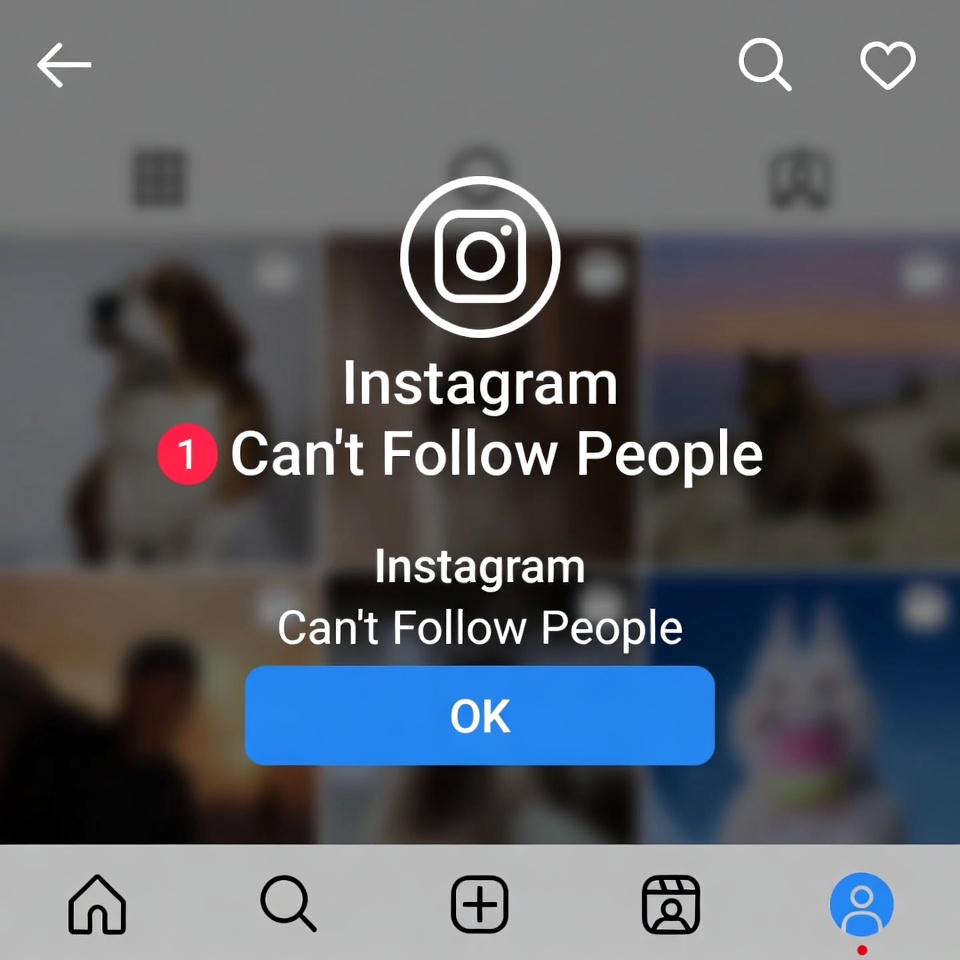
Trying to follow someone on Instagram and suddenly seeing an error?
You tap Follow, nothing happens — or worse, you get an “Action Blocked” message. This issue is more common than you think and usually shows up when Instagram temporarily restricts your account activity.
In this guide, we’ll explain why Instagram blocks follow actions and what you can do to fix it step by step.
How to Fix the “Can’t Follow People” Error
1. Stop All Follow Activity
Avoid following or unfollowing anyone for at least 24–48 hours.
2. Log Out and Log Back In
Sometimes a simple re-login can reset minor app glitches.
3. Remove Third-Party Apps
Go to your account settings and revoke access from any connected apps.
4. Switch Internet Connection
Change from mobile data to Wi-Fi (or vice versa) to refresh your IP.
5. Update the Instagram App
Using an outdated version can cause action-related errors.
How Long Does the Action Block Last?
Most follow-related action blocks last between a few hours and 2 days.
Repeated violations can extend the block to a week or more.
What NOT to Do
- Don’t keep pressing the Follow button
- Don’t create a new account to bypass the block
- Don’t use “unblock” services or bots
These actions can turn a temporary block into a longer restriction.
How to Avoid Follow Blocks in the Future
- Follow people gradually, not all at once
- Avoid mass unfollowing
- Don’t use automation or growth bots
- Keep your activity consistent and human-like
Final Thoughts
The Instagram Can’t Follow People error is usually a temporary action block, not a permanent problem. Slowing down your activity and removing risky tools is often enough to fix it.


