

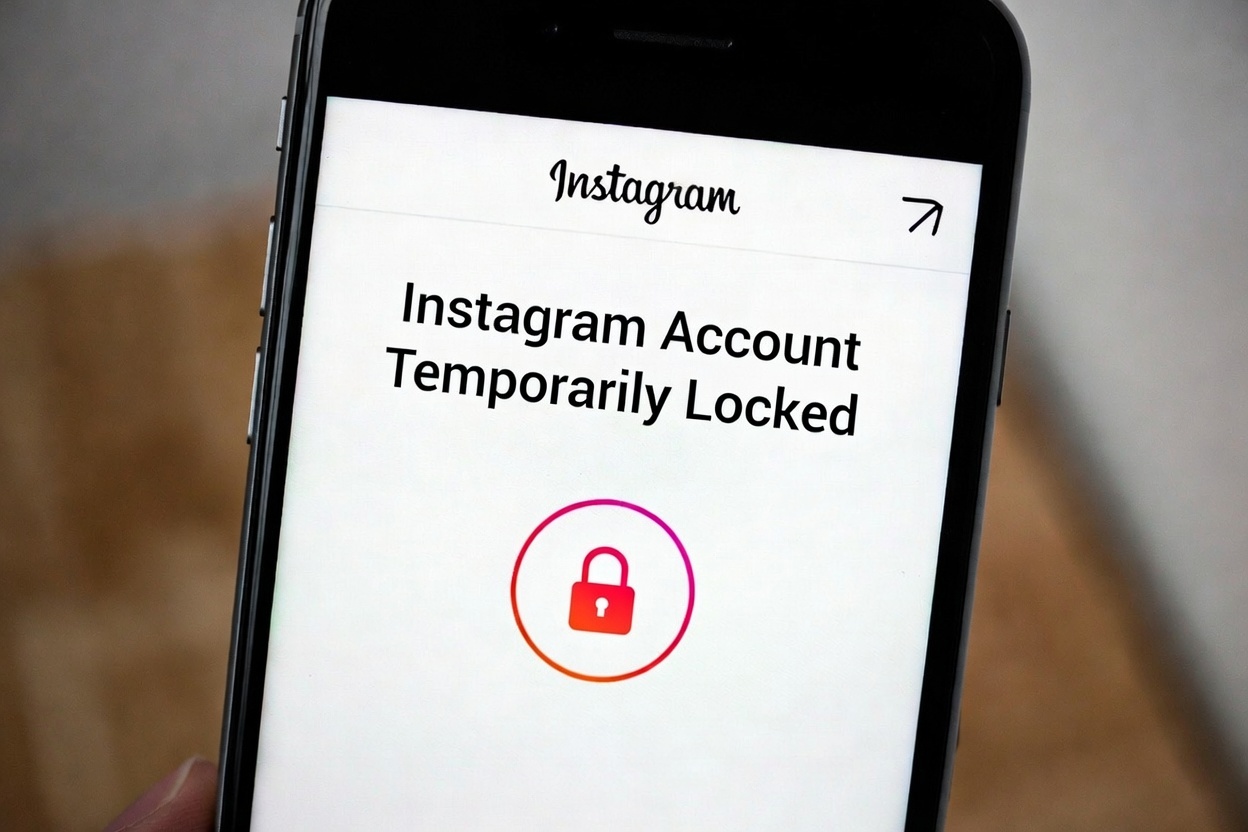
Seeing the message “Your Instagram account has been temporarily locked” can be stressful, especially if you rely on Instagram daily.
The good news is: in most cases, this lock is not permanent and can be resolved.
Below, you’ll find why this happens and exactly what to do next.
Why This Happens
Instagram temporarily locks accounts to protect users from suspicious activity. Common reasons include:
- Logging in from multiple devices or locations in a short time
- Using VPNs or constantly changing IP addresses
- Following or unfollowing too many accounts too fast
- Liking or commenting excessively in a short period
- Using third-party apps, bots, or automation tools
- Repeated failed login attempts
Even normal behavior can sometimes trigger Instagram’s automated security system.
What to Do Immediately
If your account is temporarily locked, follow these steps carefully:
1. Complete the Security Verification
Instagram usually asks you to:
- Confirm your email address or phone number
- Enter a security code sent to you
Do this as soon as possible. Delaying can extend the lock.
2. Log In From a Trusted Device
Use:
- Your usual phone
- Your home Wi-Fi or mobile data
Avoid public networks and VPNs during this time.
3. Change Your Password
After regaining access:
- Set a new, strong password
- Avoid reusing old passwords
- Log out of all other sessions if possible
4. Remove Third-Party Apps
Go to:
Settings → Security → Apps and Websites
Remove:
- Bots
- Auto-follow tools
- Analytics apps you don’t fully trust
These are one of the most common causes of account locks.
How Long Does the Lock Last?
In most cases:
- 24 hours for minor issues
- 48–72 hours for repeated suspicious activity
If Instagram requests identity confirmation, it may take a few days.
What NOT to Do
Avoid these mistakes, as they can make things worse:
- Repeatedly trying to log in
- Creating a new account immediately
- Using VPNs to “bypass” the lock
- Spamming Instagram support forms
Patience is important here.
Extra Tips to Prevent Future Locks
- Avoid rapid follow/unfollow actions
- Limit likes and comments per hour
- Use only official Instagram apps
- Stick to one primary device
- Avoid automation tools entirely
Instagram favors human-like behavior.
Final Thoughts
A temporarily locked Instagram account is usually a warning, not a ban.
By verifying your identity, securing your account, and changing risky habits, you can regain access and avoid future issues.
If the lock keeps happening, it’s a sign that something in your usage pattern needs to change.


