

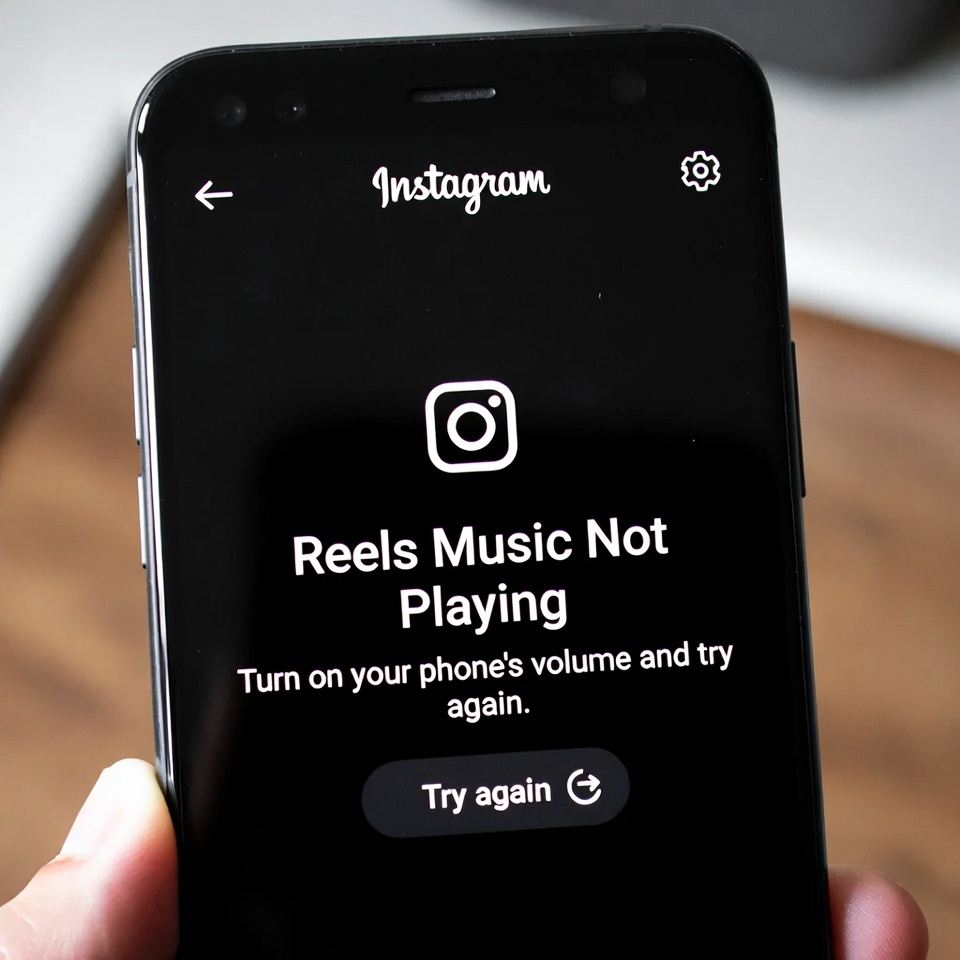
If Instagram Reels play without sound or the music doesn’t start at all, the problem is usually caused by muted in-app audio, permission issues, data-saving settings, or temporary Instagram bugs. The solutions below fix the issue in most cases.
How to Fix Instagram Reels Music Not Playing
1. Unmute Reels Audio
- Tap once on the Reel screen
- Make sure the speaker icon is not muted
- Increase volume while the Reel is playing
2. Check Phone Volume and Silent Mode
- Turn off silent or vibration mode
- Increase media volume
- Make sure Do Not Disturb is disabled
3. Disable Bluetooth Audio Devices
- Turn off Bluetooth
- Disconnect headphones, car systems, or speakers
- Play the Reel again
4. Update Instagram
- Open App Store or Google Play Store
- Update Instagram to the latest version
- Restart the app after updating
5. Clear Instagram Cache (Android)
- Settings > Apps > Instagram
- Tap Storage
- Select Clear Cache
6. Turn Off Data Saver Mode
- Instagram Settings > Data Usage
- Disable Data Saver
- Reload Reels
7. Check App Permissions
- Settings > Apps > Instagram > Permissions
- Allow Microphone and Media / Audio
8. Turn Off VPN or Proxy
- Disable VPN or proxy apps
- Restart Instagram
9. Test with Another Reel
- Some Reels have restricted or removed audio
- Try playing different Reels to confirm
10. Reinstall Instagram
- Uninstall Instagram
- Restart your phone
- Reinstall Instagram and log in again


