

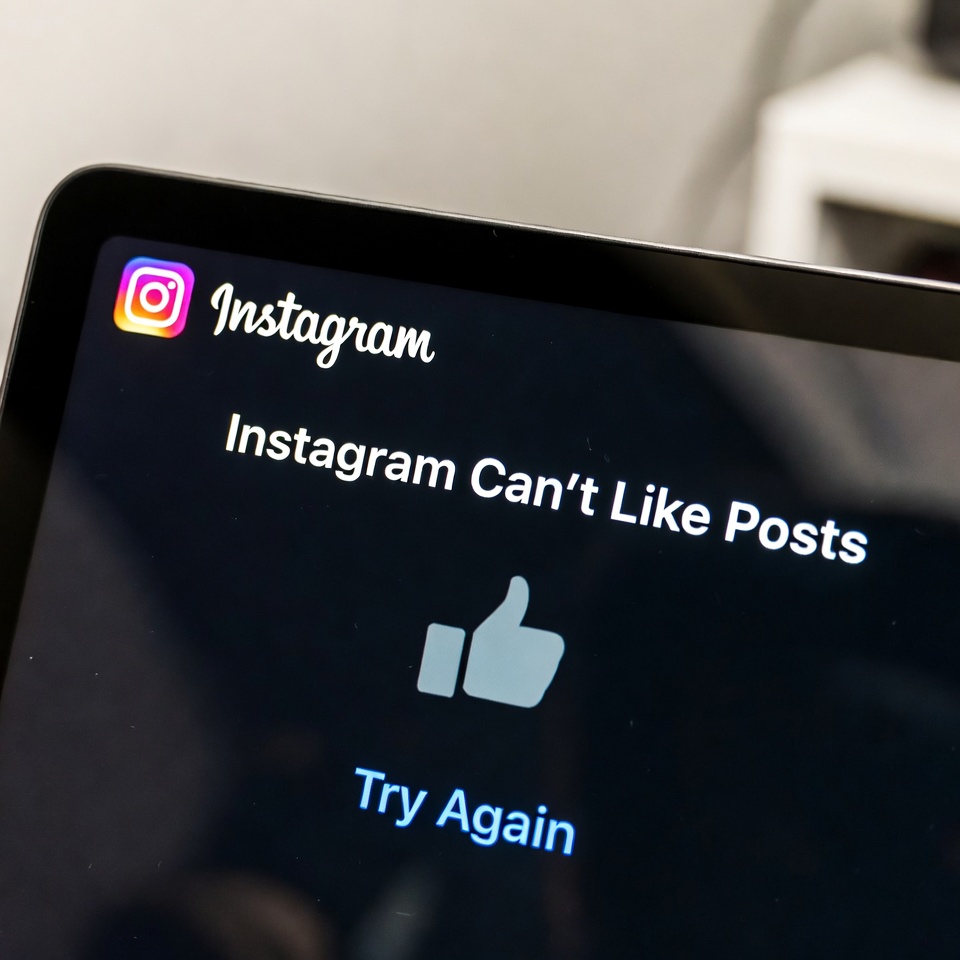
Scrolling through Instagram, you tap the Like button… and nothing happens.
No heart, no animation, sometimes even an error message. This problem can be annoying, especially when everything else in the app seems to work fine.
In this post, we’ll explain why Instagram won’t let you like posts, what this error actually means, and how you can fix it without risking your account.
How to Fix the “Can’t Like Posts” Error
1. Stop Liking Posts for a While
Avoid liking any posts for 24–48 hours to let the restriction reset.
2. Log Out and Log Back In
A simple re-login can clear temporary glitches.
3. Remove Third-Party App Access
Disconnect any follower trackers, bots, or automation tools.
4. Switch Your Internet Connection
Change between Wi-Fi and mobile data to refresh your IP address.
5. Update or Reinstall Instagram
Make sure you’re using the latest version of the app.
How Long Does the Like Block Last?
Most like-related restrictions last a few hours to 2 days.
If Instagram detects repeated violations, the block can last longer.
What NOT to Do
- Don’t keep tapping the Like button
- Don’t use VPNs to bypass the restriction
- Don’t install “unblock” apps or services
These actions can make the block worse.
How to Prevent Like Errors in the Future
- Like posts gradually, not all at once
- Avoid repetitive behavior
- Stay away from automation tools
- Keep your activity natural and consistent
Final Thoughts
The Instagram Can’t Like Posts error is usually a temporary action block, not a serious account issue. Slowing down your activity and avoiding risky tools is often enough to fix it.


