

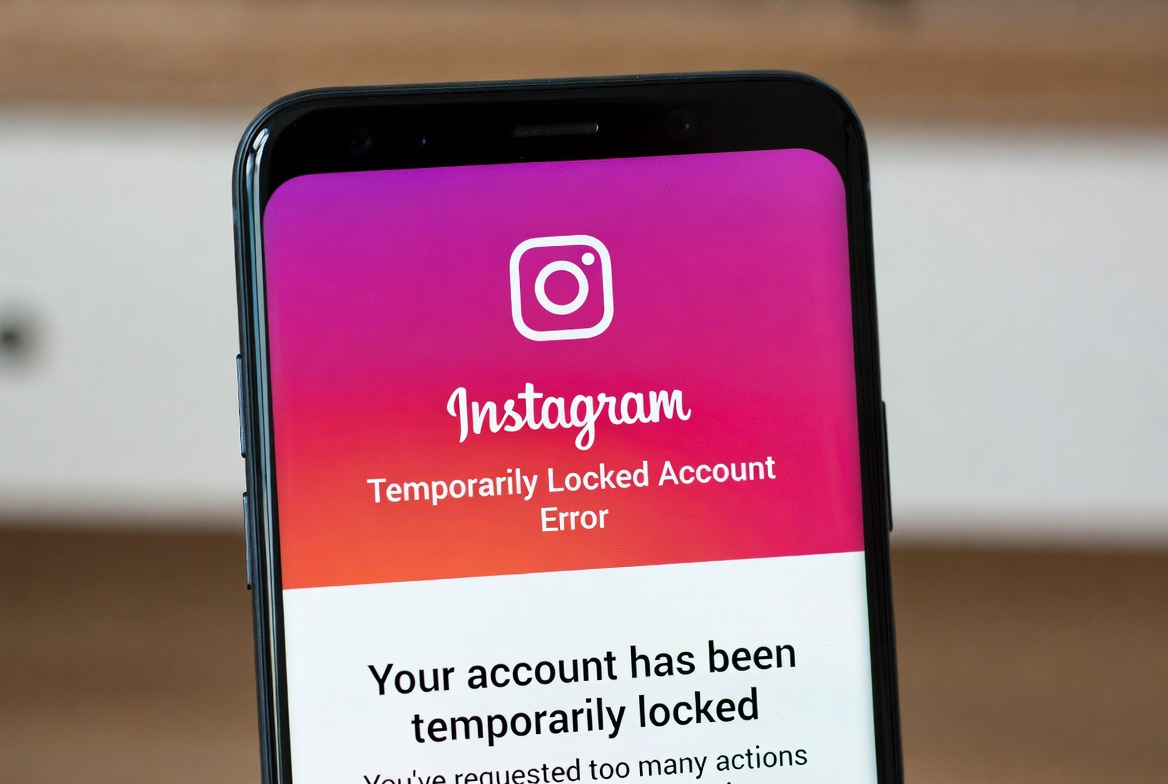
Seeing the “Instagram Temporarily Locked” message can be stressful, especially when you’re suddenly logged out and can’t access your account.
This error usually appears after Instagram detects something unusual and temporarily locks the account to protect it.
In this post, we’ll explain what a temporarily locked Instagram account means, why it happens, and what you can do to unlock your account safely.
How to Fix the Instagram Temporarily Locked Account Error
Follow these steps carefully to unlock your account.
1. Verify Your Identity
Instagram usually offers verification options such as:
- Email confirmation
- SMS code
- Security challenge
Complete the steps shown on your screen.
2. Change Your Password
Once you regain access, change your password immediately to secure your account.
3. Remove Third-Party Apps
Disconnect any apps or services connected to your Instagram account.
4. Avoid Using VPNs
Log in using a stable internet connection without VPNs or proxies.
5. Wait If Required
In some cases, Instagram requires you to wait 24–48 hours before trying again.
If Your Account Is Still Locked
Try Logging In From a Browser
Use Instagram’s web version and check for additional verification steps.
Check Your Email
Instagram may send instructions or warnings to your registered email address.
Submit an Appeal
If prompted, follow the appeal or verification form provided by Instagram.
How Long Does a Temporary Lock Last?
Most temporary locks last between a few hours and 48 hours.
In some cases, it may take longer depending on the activity that triggered the lock.


