

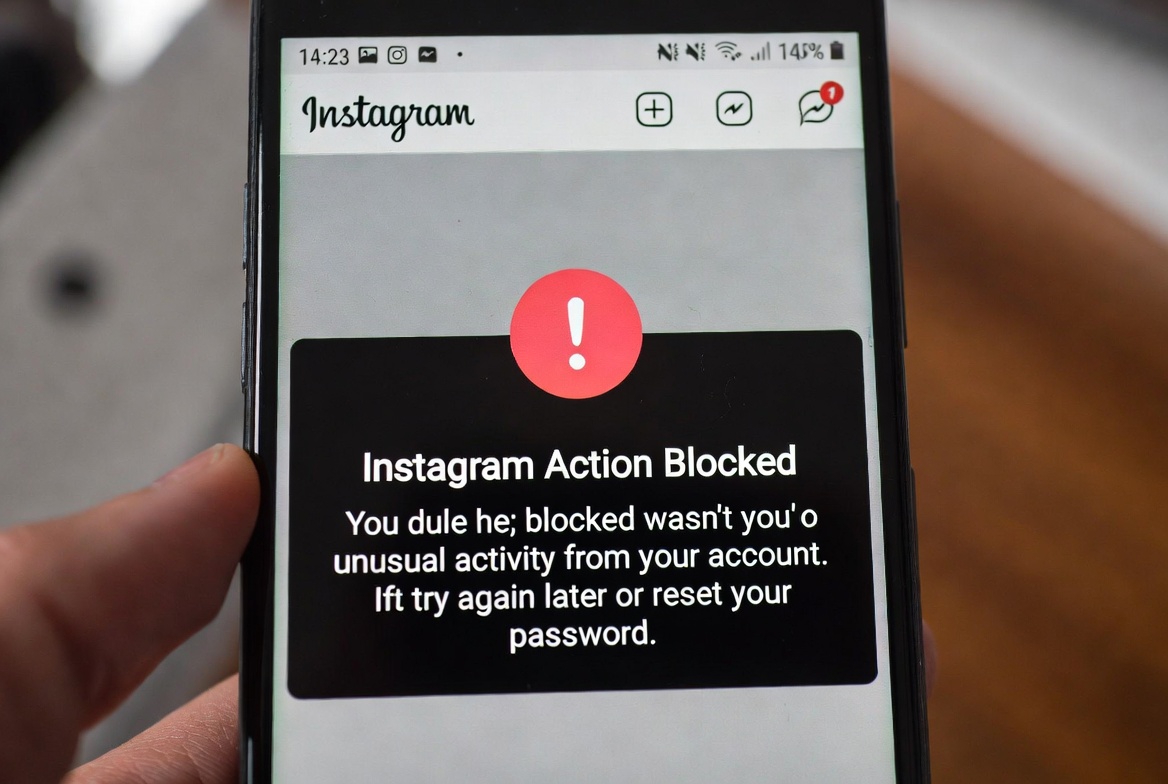
If Instagram shows the “Action Blocked” message, it usually happens right when you try to like a post, follow someone, comment, or send a message.
There’s no clear warning beforehand — the action just fails, and Instagram doesn’t always explain why.
In this post, we’ll break down what “Action Blocked” actually means on Instagram and go through the most effective ways to fix it.
What Does “Action Blocked” Mean on Instagram?
“Action Blocked” means Instagram has temporarily restricted certain actions on your account.
This is part of Instagram’s system to prevent spam, bots, and unusual behavior.
It doesn’t usually mean your account is banned, but it does mean you’ve hit a limit or triggered a security check.
How to Fix the Instagram Action Blocked Error
Try these steps in order. Some require patience, but they’re effective.
1. Stop All Actions Temporarily
Avoid liking, commenting, following, or messaging for 24–48 hours.
2. Remove Third-Party Apps
Disconnect any automation or analytics tools linked to your account.
3. Change Your Password
This helps reset active sessions and improve account security.
4. Verify Your Account
Go to Settings > Security and complete any verification steps Instagram requests.
5. Switch Your Internet Connection
Changing IPs by switching between Wi-Fi and mobile data can sometimes help.
If You’re Still Action Blocked
Log In Using a Browser
Check your account through Instagram’s web version for alerts or warnings.
Report the Issue to Instagram
Go to Settings > Help > Report a Problem and explain the issue.
Wait for the Block to Expire
Some action blocks are time-based and remove themselves automatically.
How Long Does an Instagram Action Block Last?
Most action blocks last between 24 hours and 7 days.
In rare cases, it may take longer if repeated violations occur.


