

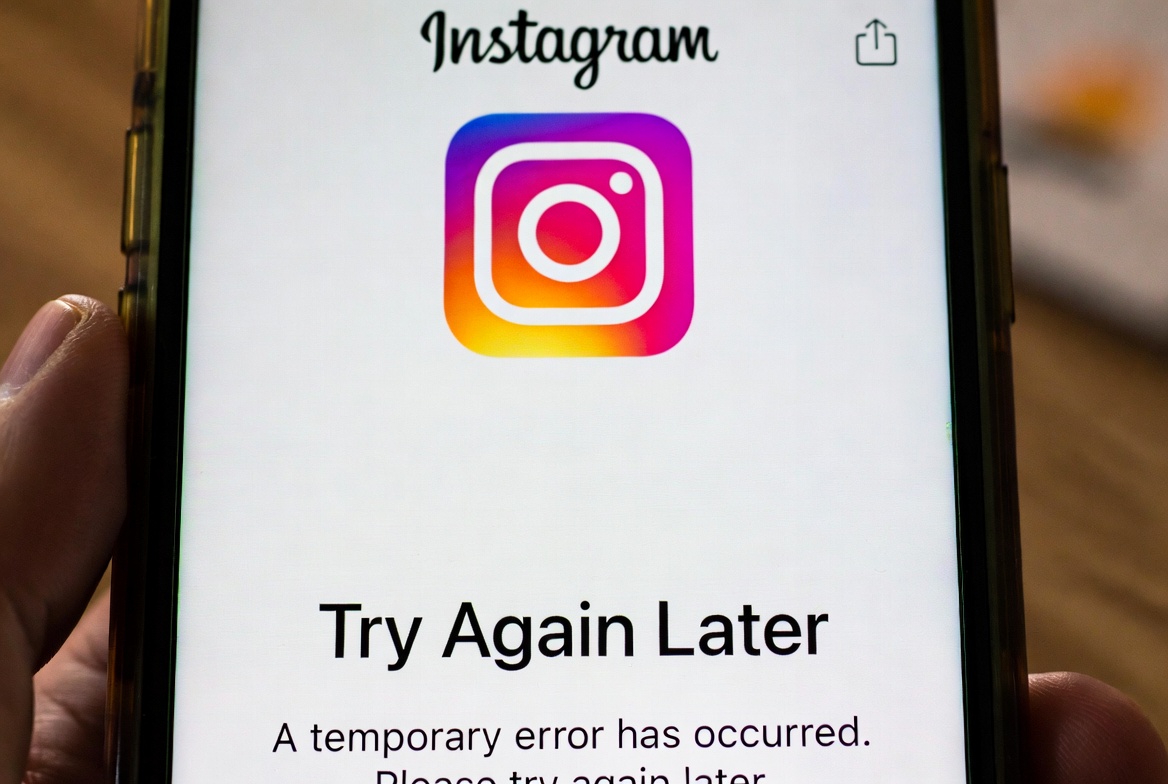
If Instagram keeps showing the “Try Again Later” message, it can be confusing — especially when there’s no clear explanation.
The app may block certain actions like following accounts, liking posts, commenting, or even logging in, leaving you stuck with the same error again and again.
In this post, we’ll explain why the “Try Again Later” error appears on Instagram and go through the most effective ways to fix it.
How to Fix the “Try Again Later” Error on Instagram
Try the following steps in order. Some fixes work instantly, while others require waiting.
1. Stop All Activity for 24–48 Hours
Avoid liking, following, commenting, or messaging.
This helps reset Instagram’s activity limits.
2. Remove Third-Party Apps
Disconnect any automation or analytics tools connected to your account.
3. Change Your Password
Updating your password can reset active sessions and improve account security.
4. Verify Your Account
Go to Settings > Security and complete any verification steps Instagram asks for.
5. Switch Internet Connection
Try changing from Wi-Fi to mobile data or vice versa.
If the Error Still Appears
Log In From a Browser
Sign in to Instagram using a web browser and check for security alerts or warnings.
Report the Problem to Instagram
Use Settings > Help > Report a Problem to notify Instagram about the issue.
Wait It Out
Some restrictions are time-based and will lift automatically after a few days.
How Long Does the “Try Again Later” Error Last?
In most cases, the error disappears within 24 to 72 hours.
More serious restrictions can last up to a week, depending on the activity that triggered them.
Final Thoughts
The “Try Again Later” error on Instagram is usually tied to activity limits or security checks.
Slowing down, removing third-party tools, and giving the account some time often resolves the issue without further action.


