

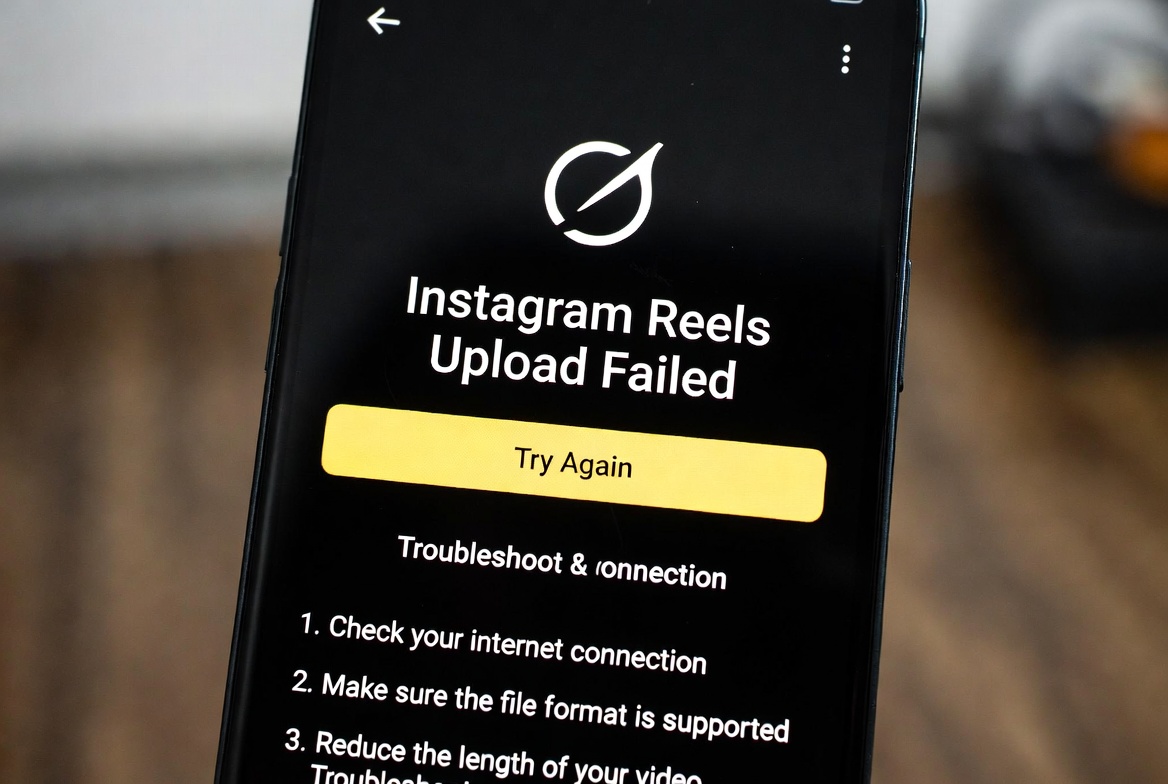
If your Instagram Reels won’t upload and keeps failing, you’re not alone. This is a common issue that can happen due to app bugs, network problems, or account-related restrictions. The good news is that most of the time, it can be fixed with a few simple steps.
Below, we’ll break down why Instagram Reels upload fails and how to fix it step by step.
Why This Happens
Instagram Reels upload can fail for several reasons, including:
- Weak or unstable internet connection
- Instagram server issues or temporary outages
- Outdated Instagram app version
- Large video file size or unsupported format
- Cache or corrupted app data
- Account restrictions or recent violations
- Using VPN or proxy services
Sometimes, the upload fails without showing a clear error message, which makes the issue even more frustrating.
How to Fix Instagram Reels Upload Failed Error
Try the following solutions in order. Most users find the fix within the first few steps.
1. Check Your Internet Connection
Switch between Wi-Fi and mobile data. If possible, restart your router or move to a stronger signal area.
2. Restart the Instagram App
Fully close Instagram from recent apps and reopen it. This clears temporary glitches.
3. Update Instagram to the Latest Version
Go to the App Store or Google Play Store and make sure Instagram is fully updated.
4. Clear Cache (Android)
- Go to Settings → Apps → Instagram
- Tap Storage
- Select Clear Cache
⚠️ Do not clear data unless necessary, as it may log you out.
5. Check Reel Video Requirements
Make sure your Reel:
- Is under Instagram’s length limits
- Uses a supported format (MP4 is recommended)
- Has reasonable file size
Try compressing the video and uploading again.
6. Disable VPN or Proxy
If you’re using a VPN, turn it off. Instagram may block uploads from certain IP addresses.
7. Log Out and Log Back In
Logging out and back in can refresh your session and fix account-related upload issues.
8. Check Instagram Server Status
If Instagram servers are down, uploads will fail no matter what you do. In this case, wait and try again later.
Extra Tips
- Avoid uploading Reels immediately after multiple failed attempts
- Don’t switch networks during upload
- Upload from your device storage instead of cloud apps
- If the issue persists, try uploading the Reel from another device
App Version
This issue has been reported on:
- Android (multiple versions)
- iOS (multiple versions)
Keeping the app updated significantly reduces upload problems.


